PS里的图片怎么直接拖到AI中
1、以Photoshop cc2015和Adobe Illustrator cc2015为例,在Photoshop中打开图片。

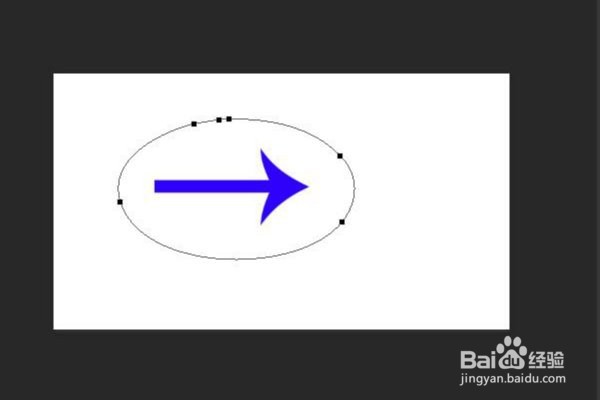
2、使用工具栏中的选框工具框选图形。

3、右键该选区,选择建立工作路径。

4、在按ctrl+c复制图形,然后打开ai,按ctrl+v粘贴到ai中,然后选择复合形状进行粘贴。

5、粘贴完成后效果如下。
1、以Photoshop cc2015和Adobe Illustrator cc2015为例,在Photoshop中打开图片。
2、使用工具栏中的选框工具框选图形。
3、右键该选区,选择建立工作路径。
4、在按ctrl+c复制图形,然后打开ai,按ctrl+v粘贴到ai中,然后选择复合形状进行粘贴。
5、粘贴完成后效果如下。