打开“google 2 step Verification”/两步验证
1、打开谷歌首页,点击“头像”>“我的账户”。

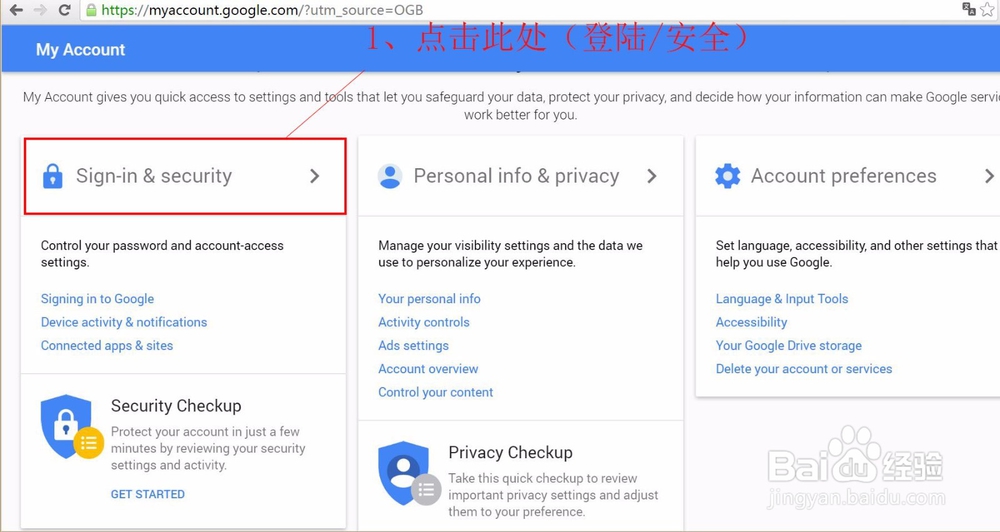
2、点击第一个功能选项“登陆/安全”。
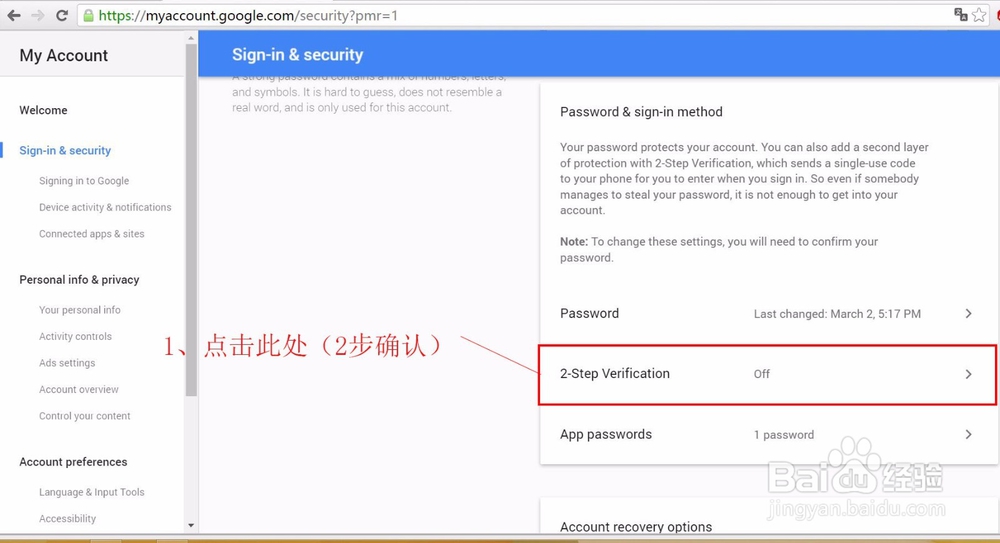
3、往下拉页面,找到“2 step Verification”,点击进入。
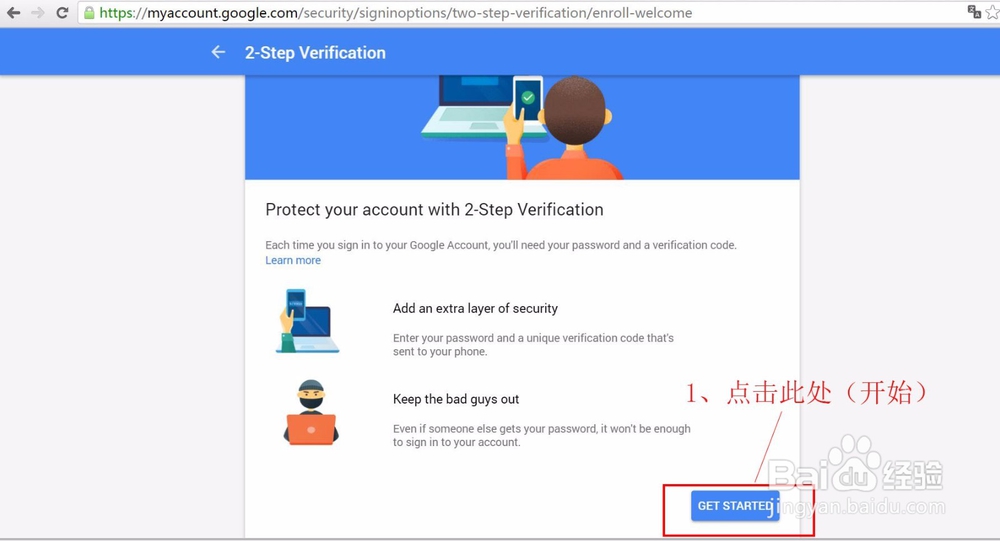
4、点击“get started”/"开始设置"。
2、进入之后可能会让你再次输入登录密码,进行再次确认登陆。
5、选择国家和地区;
2、填写手机号码;
3、选择接受验证码的方式。

6、输入验证码。

7、确认开通。
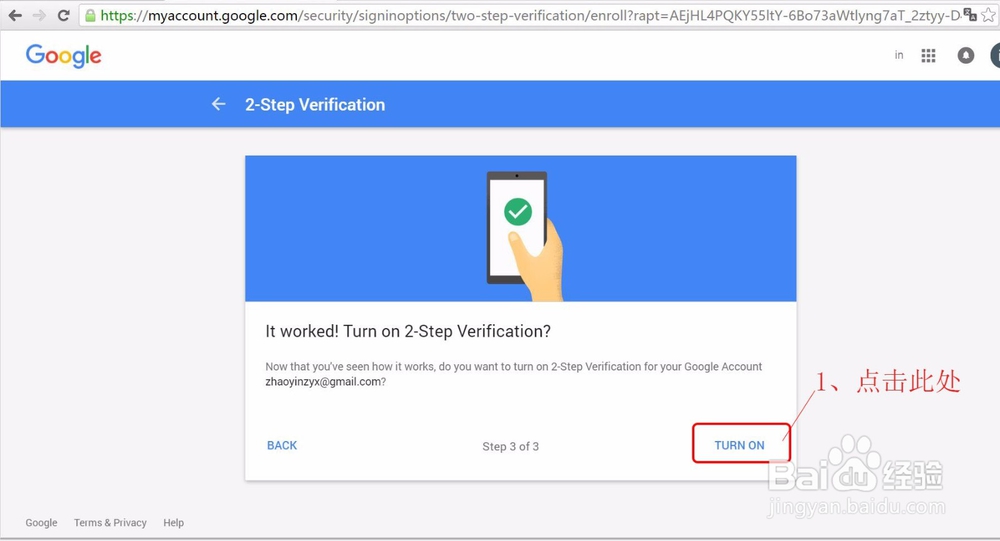
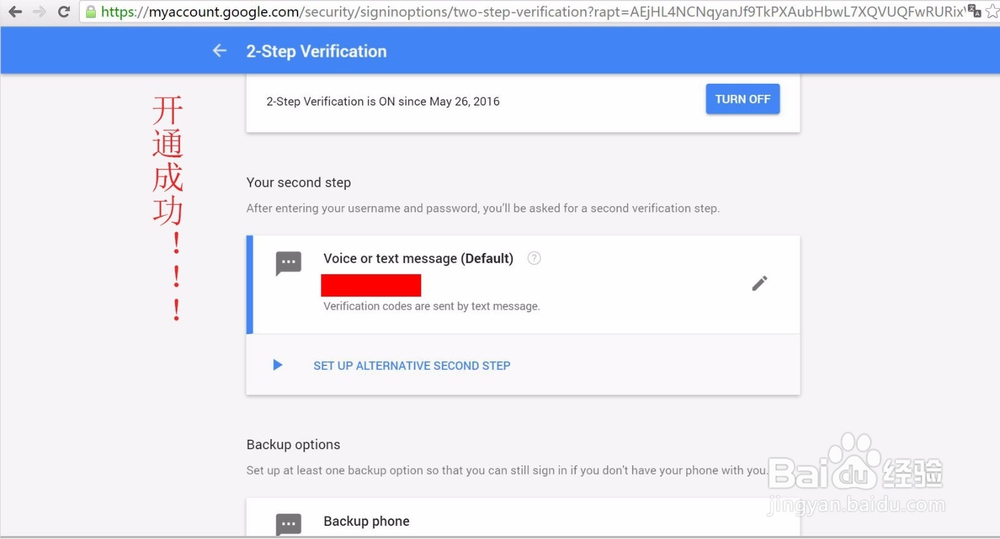
8、恭喜!开通功能成功。
1、打开谷歌首页,点击“头像”>“我的账户”。
2、点击第一个功能选项“登陆/安全”。
3、往下拉页面,找到“2 step Verification”,点击进入。
4、点击“get started”/"开始设置"。
2、进入之后可能会让你再次输入登录密码,进行再次确认登陆。
5、选择国家和地区;
2、填写手机号码;
3、选择接受验证码的方式。
6、输入验证码。
7、确认开通。
8、恭喜!开通功能成功。