简动app怎么注销账号?

2026-02-14 09:12:49

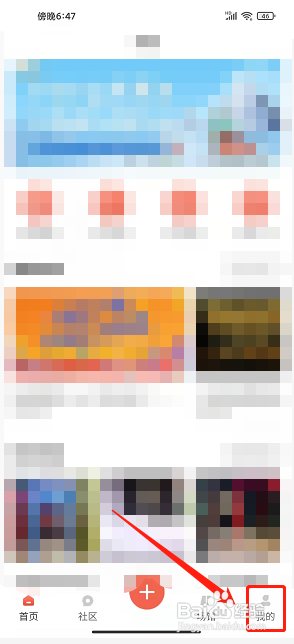
1、点击我的

进入简动app首页后,点击【我的】。

简动app怎么注销账号?

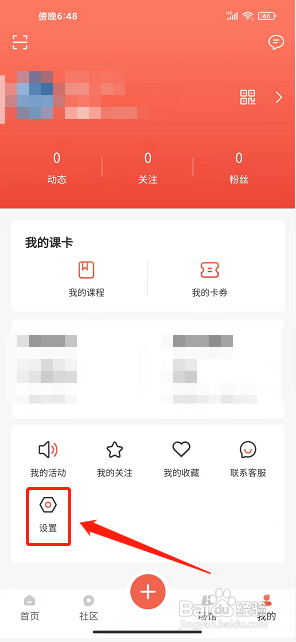
2、点击设置

进入我的界面,点击【设置】。

简动app怎么注销账号?

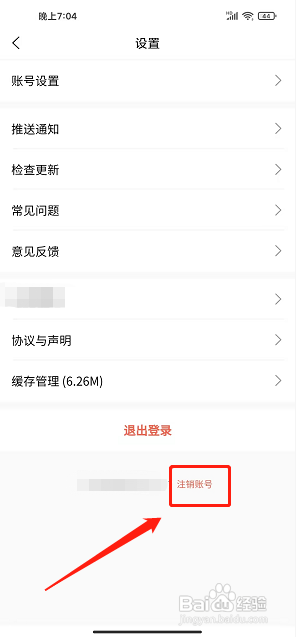
3、点击注销账号

进入设置界面,点击【注销账号】。

简动app怎么注销账号?

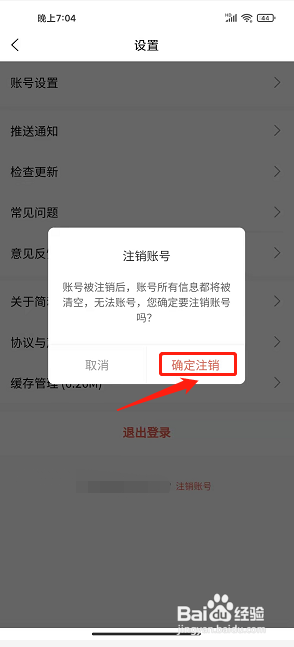
4、点击确定注销

进入注销账号界面,点击【确定注销】。

简动app怎么注销账号?

相关推荐
  • 阅读量:125
  • 阅读量:195
  • 阅读量:128
  • 阅读量:59
  • 阅读量:169
  • 猜你喜欢