DevEco Studio怎么关闭绿视力缺陷调整颜色
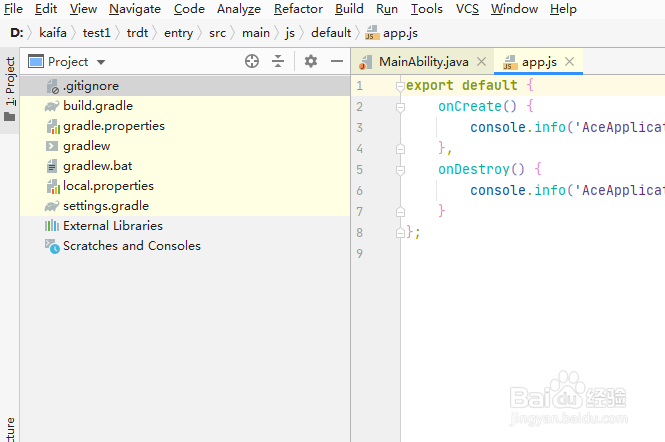
1、首先,打开一个DevEco Studio的界面中
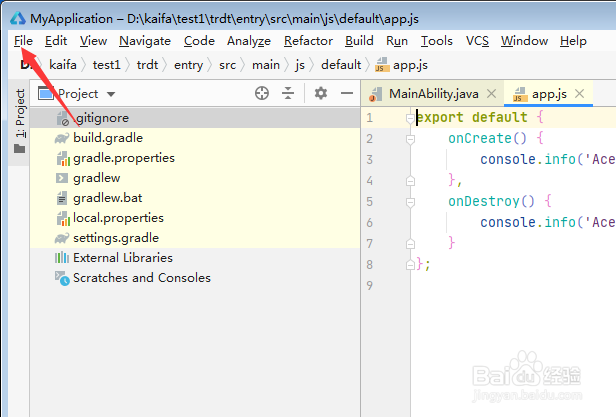
2、然后点击左上角中的 file 菜单
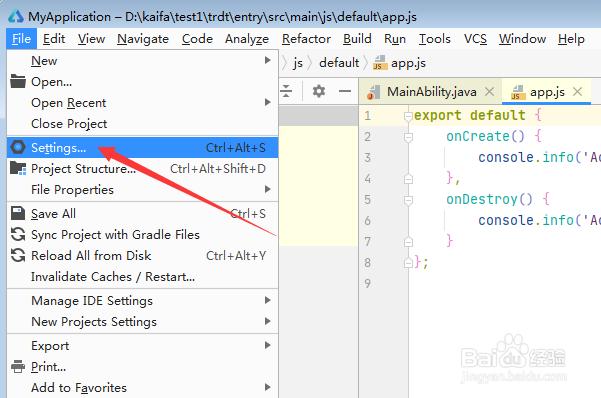
3、弹出了下拉菜单选中为 settings 选项
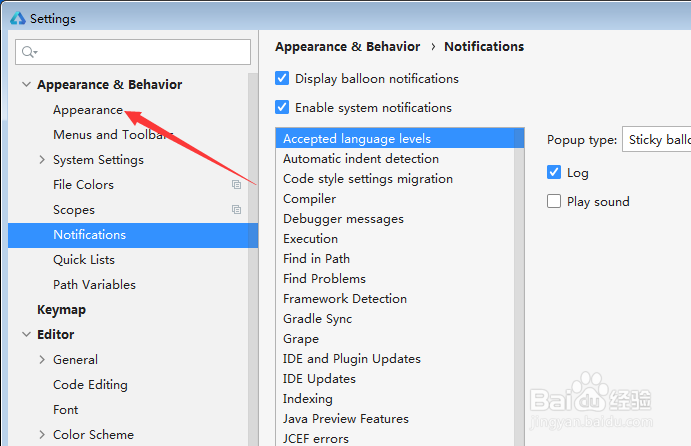
4、进入到了settings 的界面中,点击左侧中的 appearance 选项
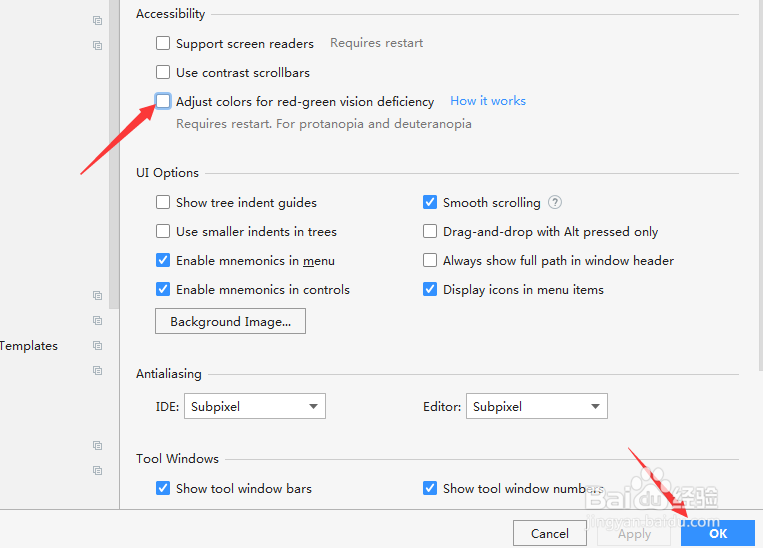
5、进入到了appearance 的界面中,去掉 adjust colors for red-green vision deficiency 选项
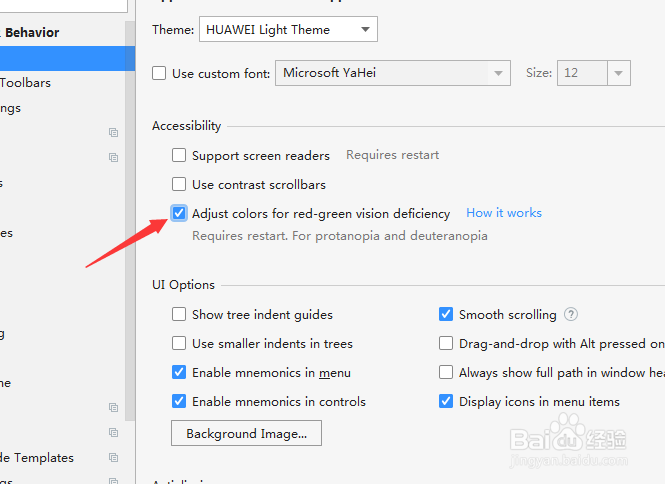
6、去掉 adjust colors for red-green vision deficiency 选项之后,点击 ok
阅读量:184
阅读量:31
阅读量:194
阅读量:40
阅读量:94