ProfiCAD怎么设置复制时不对符号进行重新编号
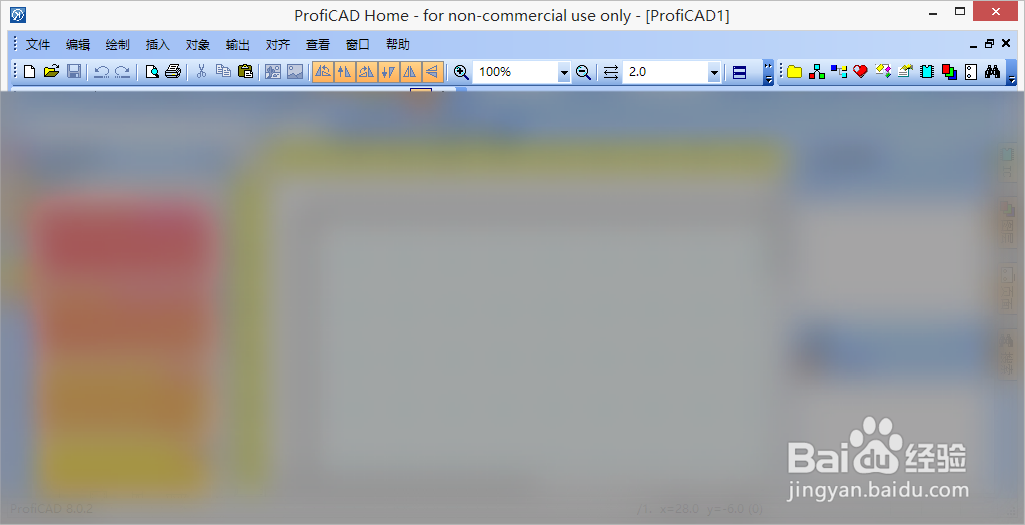
1、在“ProfiCAD”主界面中,按下“F12”快捷键,打开选项。
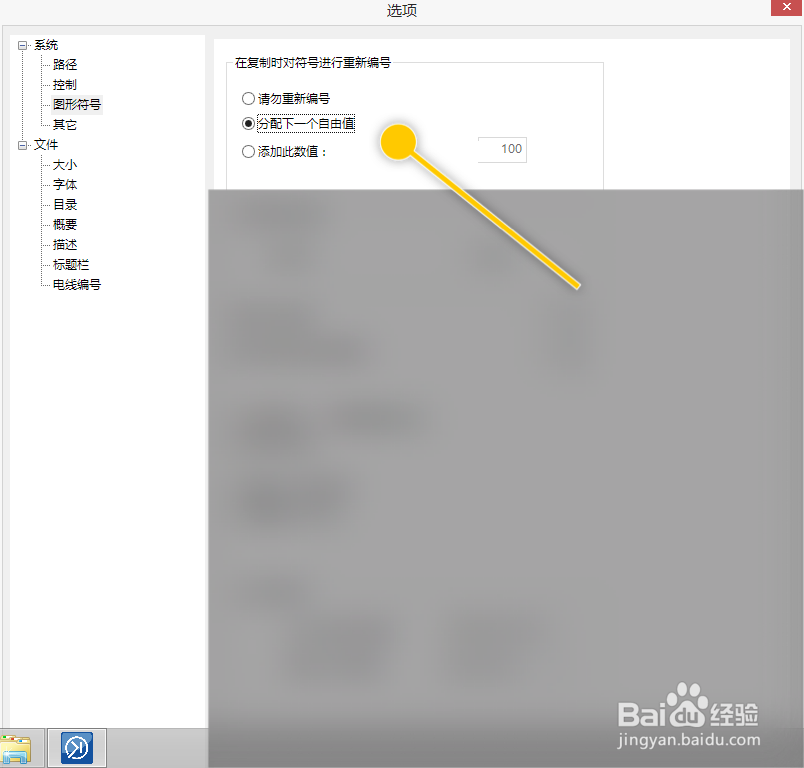
1、在“选项”界面框中,点击“在复制时对符号进行重新编号”区域。
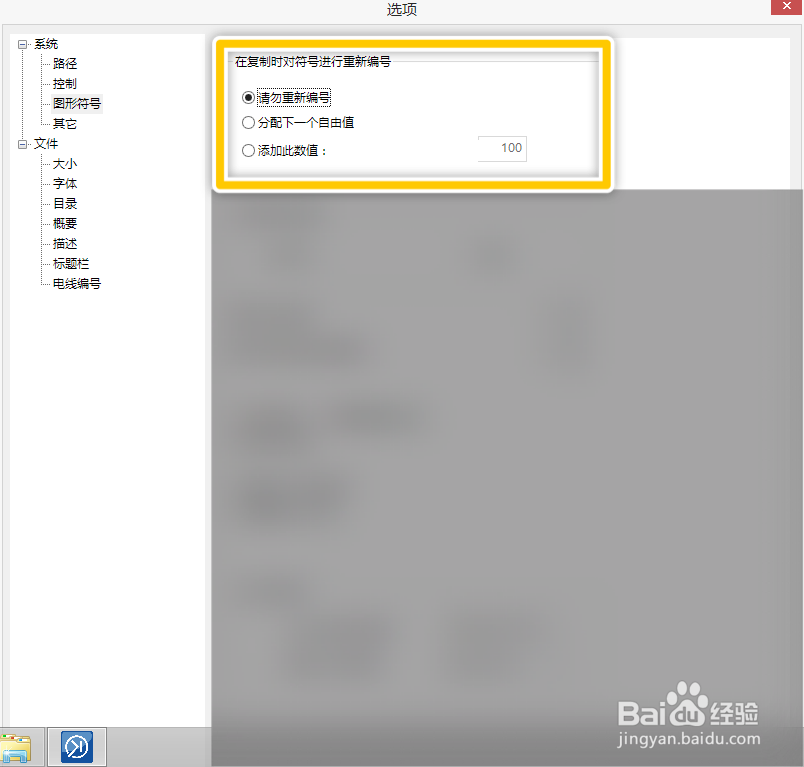
2、在“在复制时对符号进行重新编号”区域中,点击“请忽重新编号”选项。
阅读量:50
阅读量:89
阅读量:111
阅读量:120
阅读量:155
1、在“ProfiCAD”主界面中,按下“F12”快捷键,打开选项。
1、在“选项”界面框中,点击“在复制时对符号进行重新编号”区域。
2、在“在复制时对符号进行重新编号”区域中,点击“请忽重新编号”选项。