如何启用Polaris Viewer连接到Choremcast
1、手机打开“Polaris Viewer”App,Polaris Viewer主界面点击右上角的“︙”打开系统菜单
2、系统菜单界面点击“设置”打开设置界面

3、设置界面点击“连接到Choremcast”后面的圆点
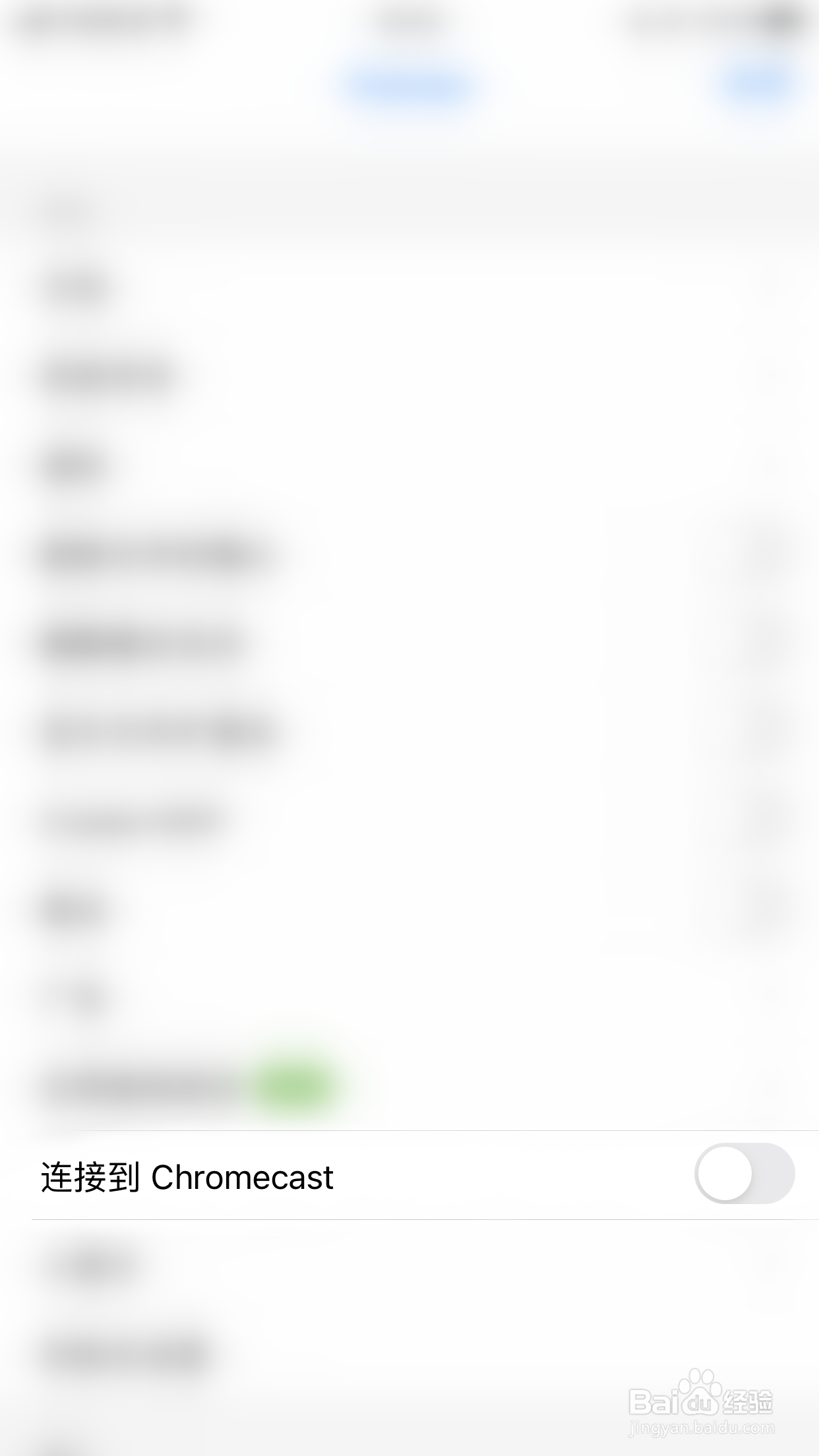
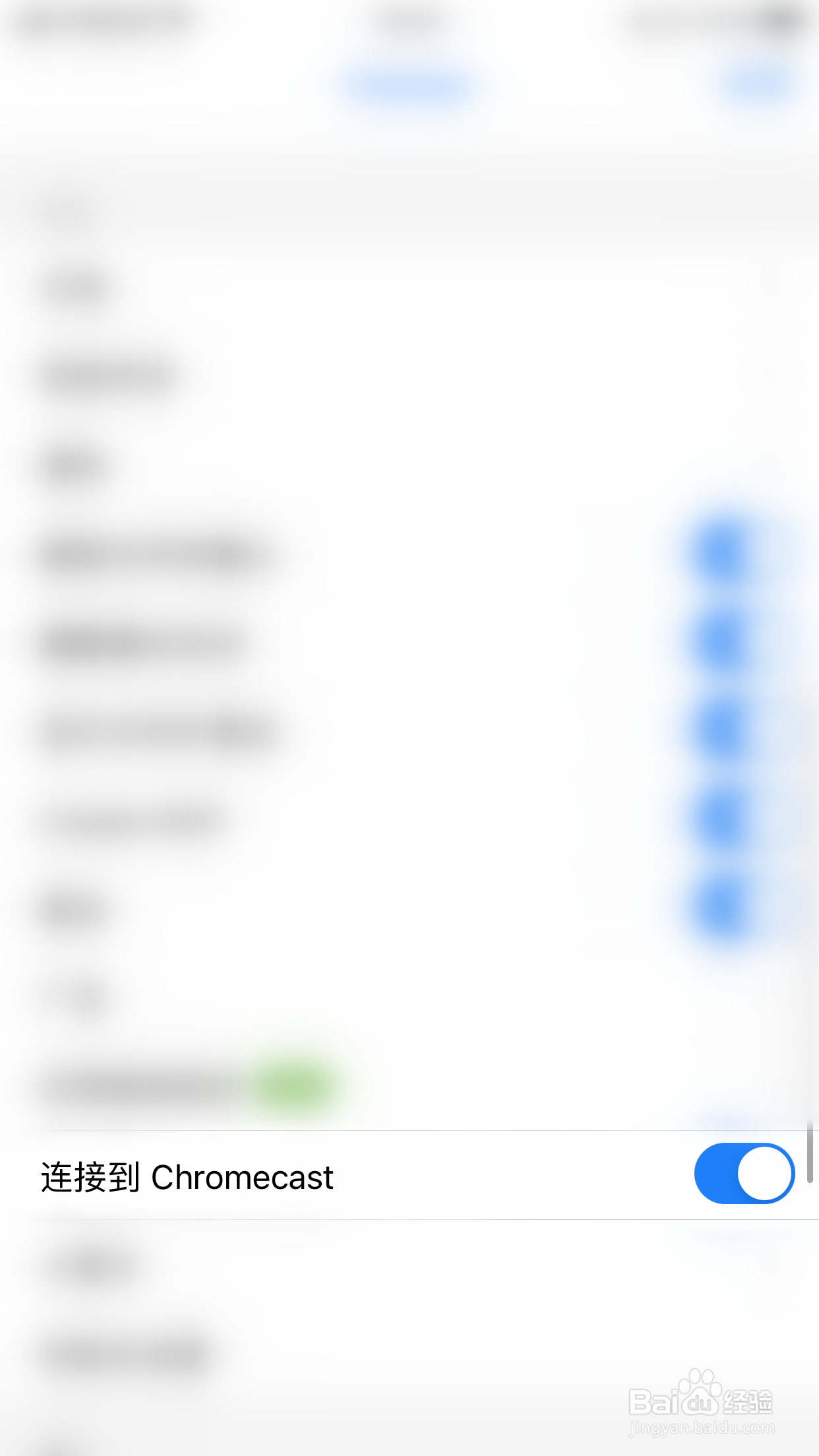
4、“连接到Choremcast”后面的圆点变为蓝色即表示启用Polaris Viewer连接到Choremcast成功
阅读量:182
阅读量:83
阅读量:180
阅读量:74
阅读量:36
1、手机打开“Polaris Viewer”App,Polaris Viewer主界面点击右上角的“︙”打开系统菜单
2、系统菜单界面点击“设置”打开设置界面
3、设置界面点击“连接到Choremcast”后面的圆点
4、“连接到Choremcast”后面的圆点变为蓝色即表示启用Polaris Viewer连接到Choremcast成功